
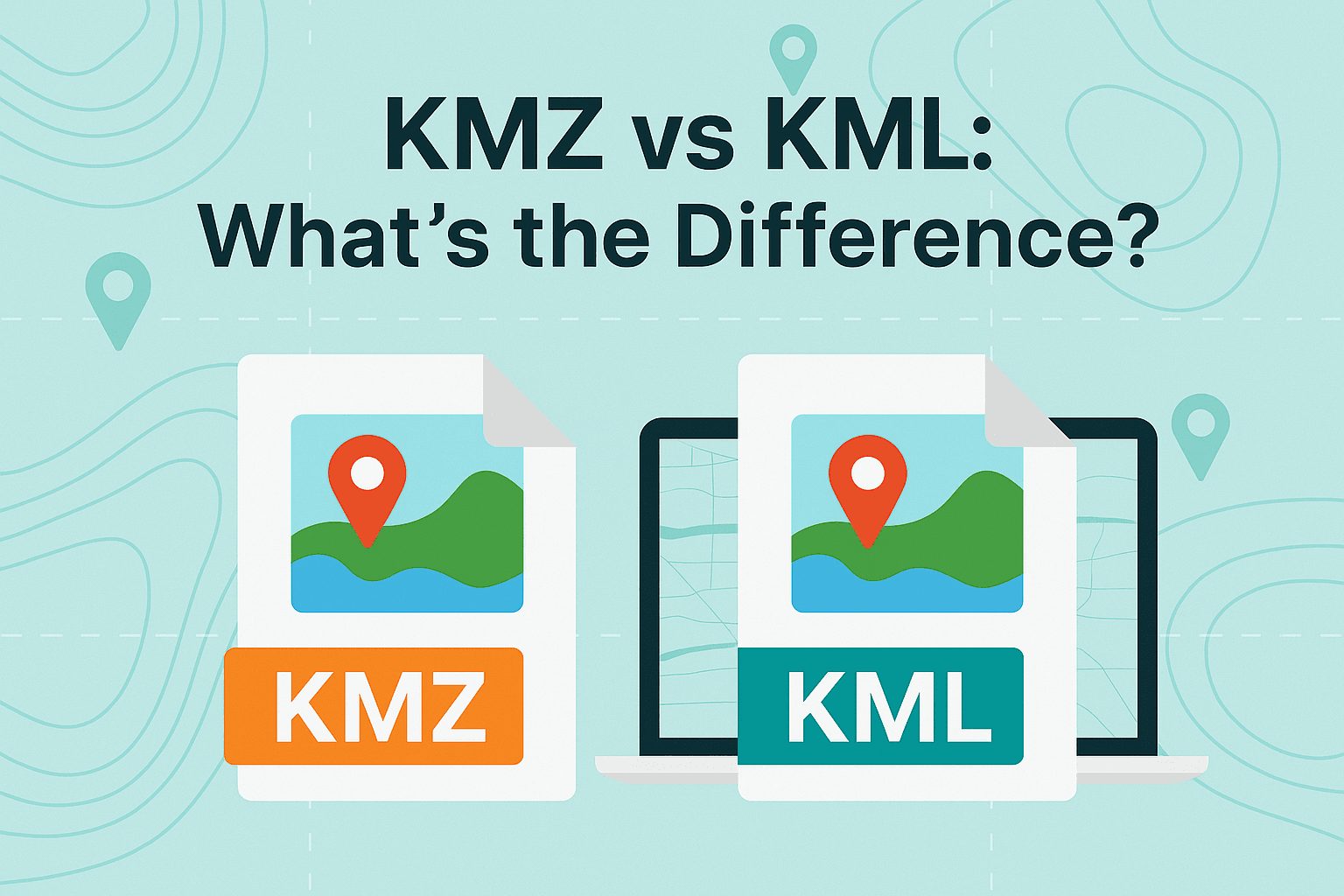
What is KML and KMZ file?
As an Amazon Associate, I earn from qualifying purchases.
What is kml and kmz file?
Table of Contents
📍 KML (Keyhole Markup Language)

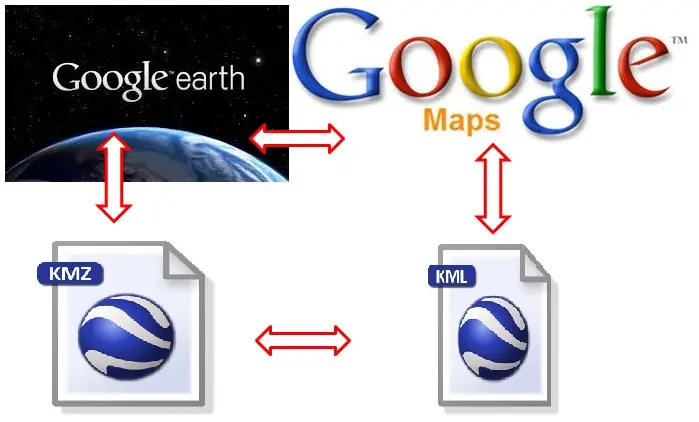
KML stands for Keyhole Markup Language — a file format used to display geographic data in mapping tools like Google Earth and Google Maps.
It’s based on XML, which means it’s basically structured text that describes locations and map elements.
🔑 What you can store in a KML file:
- 📍 Placemarks (pins on a map)
- 📏 Paths (routes, roads)
- 🔷 Polygons (areas, zones)
- 🖼️ Images & overlays
- 📝 Descriptions & metadata
📄 Example (simplified KML):
<Placemark>
  <name>My Location</name>
  <Point>
    <coordinates>30.5234,50.4501,0</coordinates>
  </Point>
</Placemark>
📦 KMZ (Compressed KML)

KMZ is simply a compressed (zipped) version of a KML file.
Think of it like:
- KML = raw file
- KMZ = zipped package
🔑 What makes KMZ special:
- 📦 Smaller file size
- 🖼️ Can include images, icons, 3D models
- 🚀 Faster to share and load
A KMZ file usually contains:
- A
.kmlfile - Plus extra resources (images, styles, etc.)
⚔️ KML vs KMZ (Quick Comparison)
| Feature | KML | KMZ |
|---|---|---|
| Format | XML (text file) | Zipped archive |
| File size | Larger | Smaller (compressed) |
| Editable | Easy (text editor) | Must unzip first |
| Supports media | Limited | Yes (images, icons, models) |
| Use case | Development, editing | Sharing, distribution |
🧭 Where are they used?
🌍 Mapping & Navigation
- Google Earth
- Google Maps
- ArcGIS
🛰️ Real-world applications:
- Travel routes & trip planning
- Real estate mapping
- Drone flight paths
- Hiking & outdoor navigation
- Data visualization (heatmaps, zones)
🛠️ How to open KML/KMZ files
On PC:
- Google Earth Pro (best option)
- Web browser via Google Earth Web
On mobile:
- Google Earth
- Maps.me
👍 Pros & 👎 Cons

Pros
- Supports rich map visualization
- Easy to share (especially KMZ)
- Works across many platforms
- Universal format for geographic data

Cons
- Not ideal for massive datasets
- KML can get bulky
- KMZ not easily editable
- Limited compared to advanced GIS formats
💡 When should you use each?
- Use KML if:
- You need to edit or create maps manually
- You’re working with developers or GIS tools
- Use KMZ if:
- You want to share files easily
- Your project includes images or assets
- You need smaller file size
GeoWGS84.ai
🧠 Final Verdict
- KML = best for building and editing maps
- KMZ = best for sharing and performance
👉 If you’re just sending a map to someone — go with KMZ
👉 If you’re creating or modifying data — stick with KML
FAQs
What is the main difference between KML and KMZ?
KML is a plain text (XML) file you can open and edit.
KMZ is a compressed version of KML that can include images and other assets.
Can I convert KML to KMZ and vice versa?
Yes:
KML → KMZ: Zip the file and rename .zip → .kmz
KMZ → KML: Rename .kmz → .zip, then extract
Are KML and KMZ files safe to open?
Generally yes, but:
Only open files from trusted sources
KMZ can contain external resources (images, links), so be cautious
Can I open KML/KMZ in Google Maps?
Yes, but:
You must import them into My Maps
Regular Google Maps app doesn’t directly open them
What is the best program to open them?
Desktop: Google Earth Pro
Online: Google Earth Web
Advanced GIS: QGIS
Can I create KML files without coding?
Yes:
Use Google Earth Pro (drag-and-drop interface)
Use Google My Maps (visual editor)
Do KML/KMZ files work on phones?
Yes:
Apps like Google Earth and Maps.me support them
Can I use KML/KMZ for GPS navigation?
Yes, but:
Some GPS apps require conversion to GPX
Many hiking and offline apps support KML directly
What is inside a KMZ file?
A KMZ file usually contains:
One main .kml file
A folder with: Images
Icons
3D models
Styles
Why is my KML file not showing correctly?
Common reasons:
Wrong coordinate format
Missing tags in XML
Unsupported features in your app
File too large or complex
READ ALSO: Do Old cameras worth money?

Related Posts

5 basic shots to make your film ideal
How many pictures in a roll of film?
